SaaS
We run it. Data stays in the EU. Transcription is done by an external transcription service and the summary by a language model that only receives the text. You get the list of services in advance, including what each one sees.
Talkpad transcribes and summarises meeting recordings and pulls out decisions and tasks. We use it at Four Bros as our company memory and for client calls.
Talkpad
Important things get said out loud and never written down, or written down by whoever feels like it. A month later nobody remembers what was promised to the client. And the services that can handle it send your recordings to someone else’s cloud, which you don’t want for contracts, client data or leadership meetings.
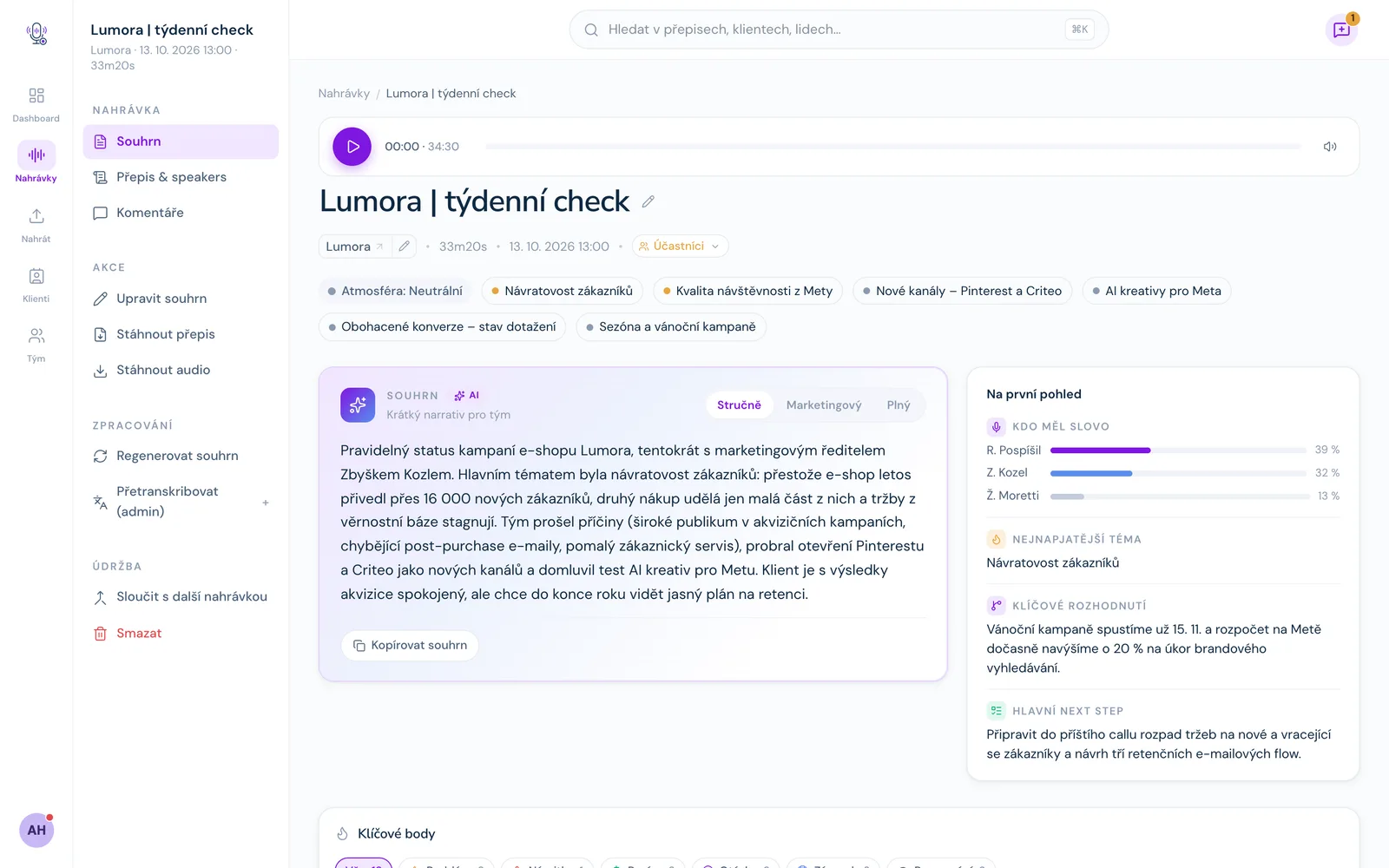
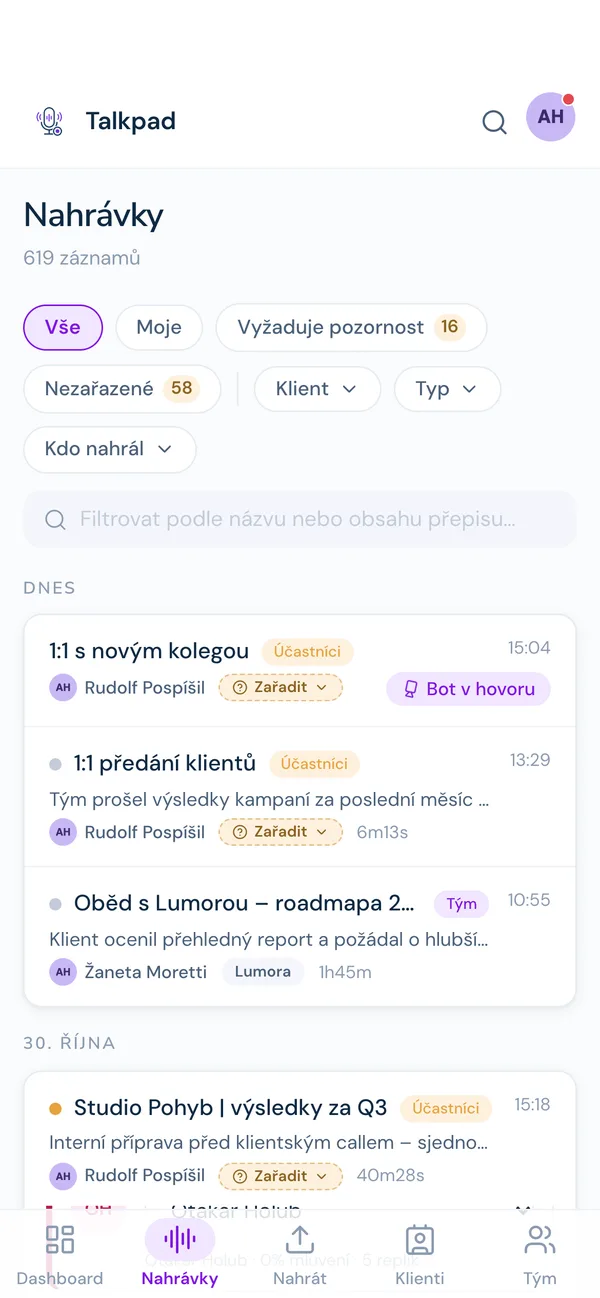
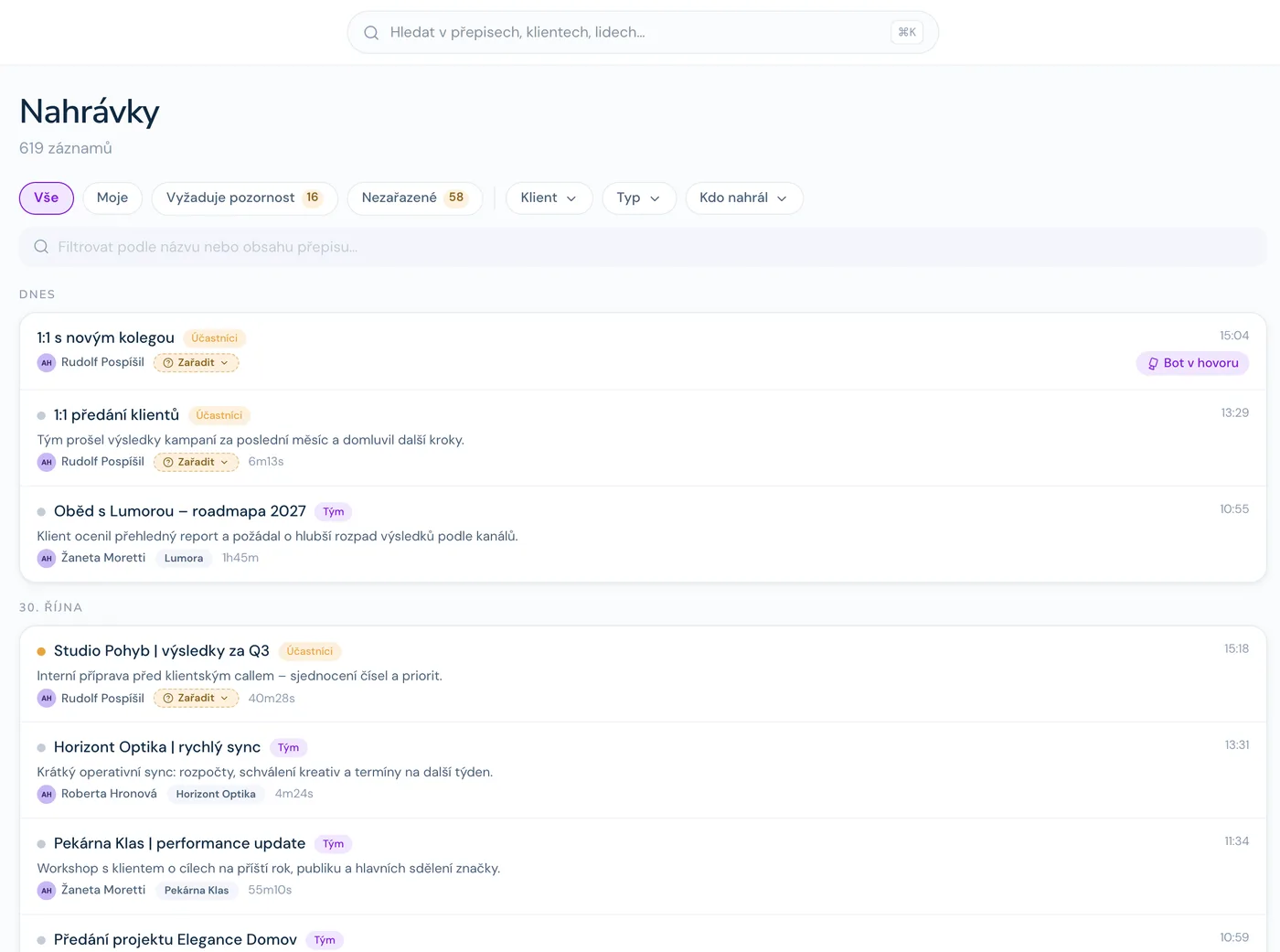
Meetings from Meet, your phone or an uploaded file in one place, sorted by day.
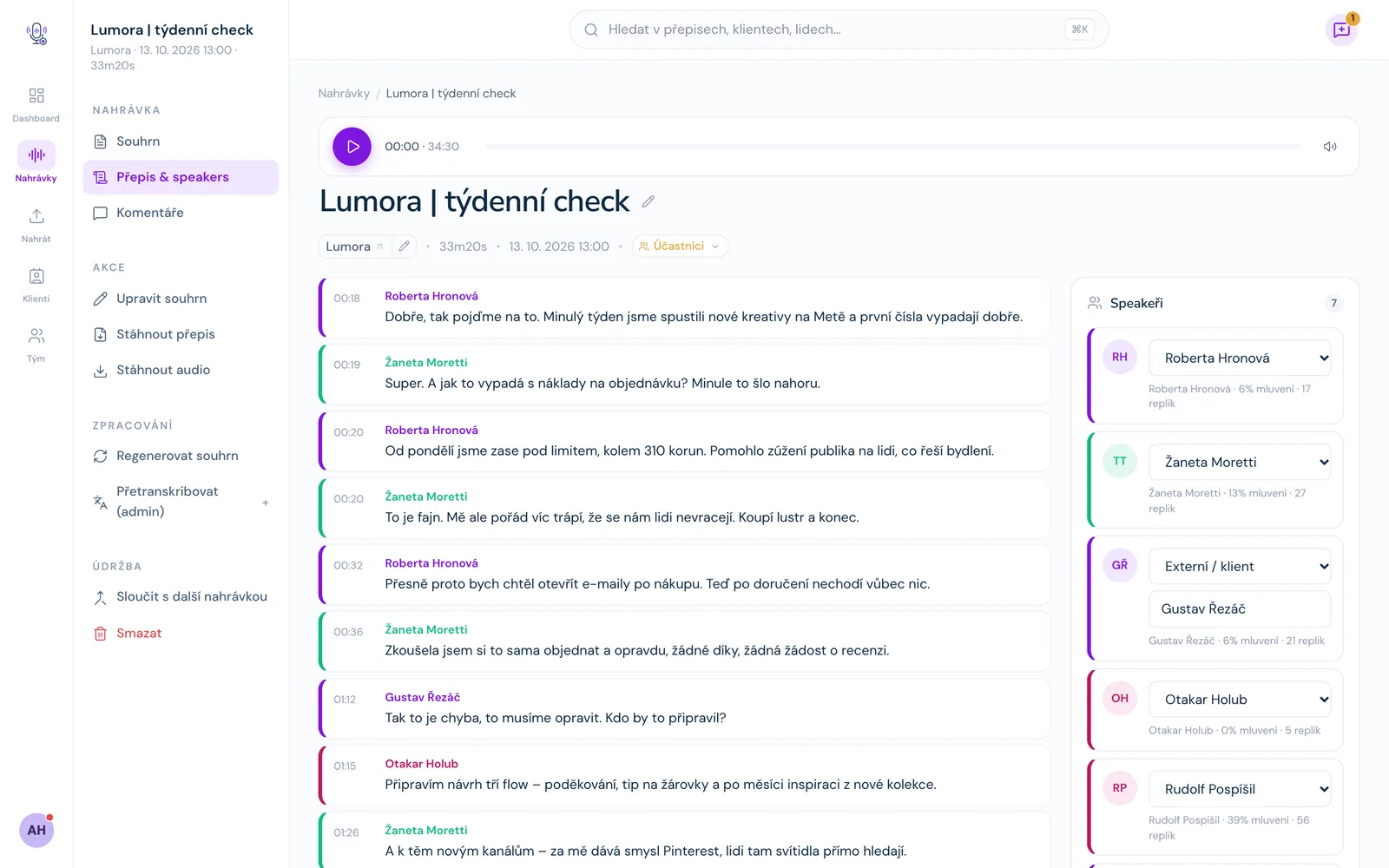
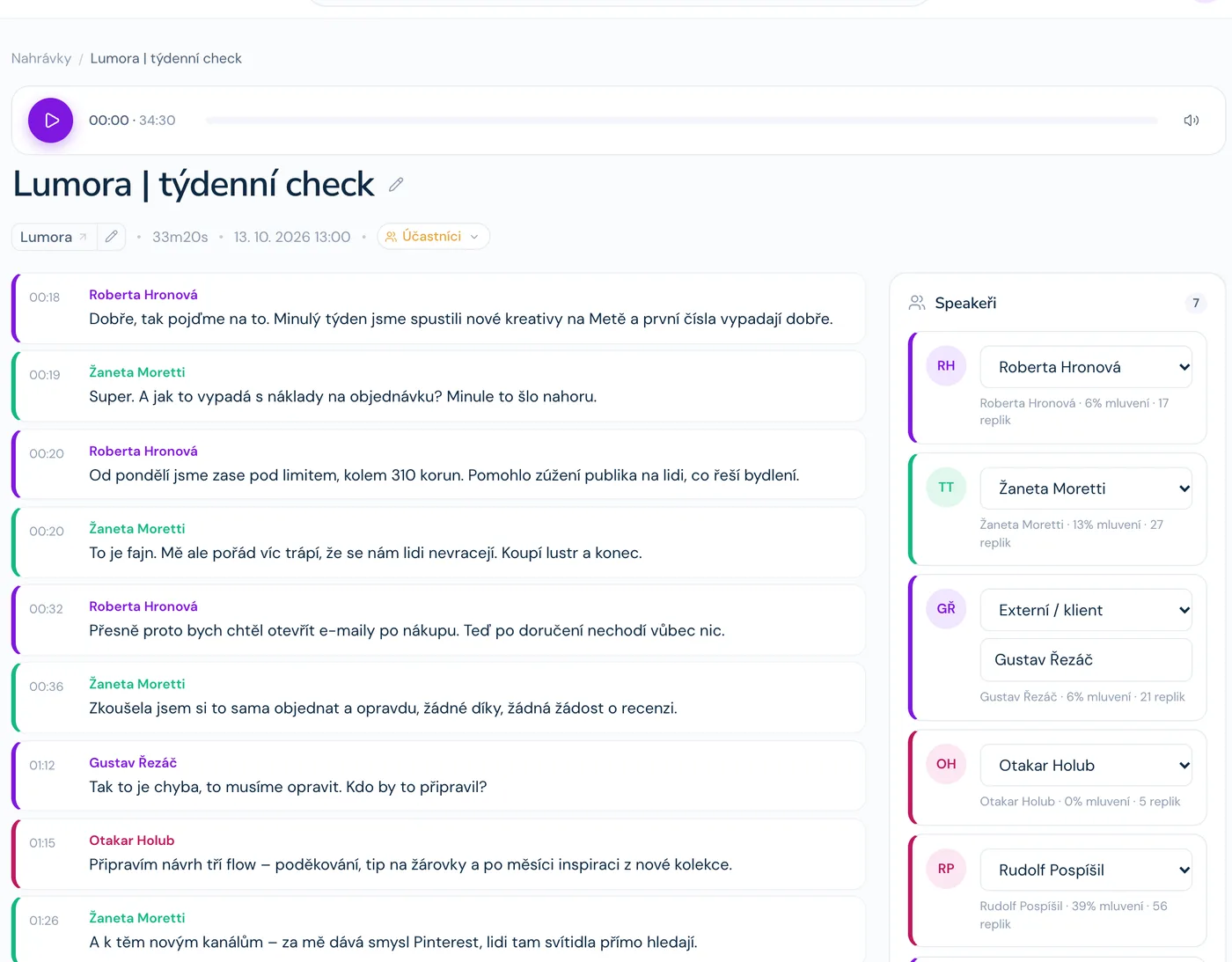
The transcript split by speaker, with a timestamp on every line.
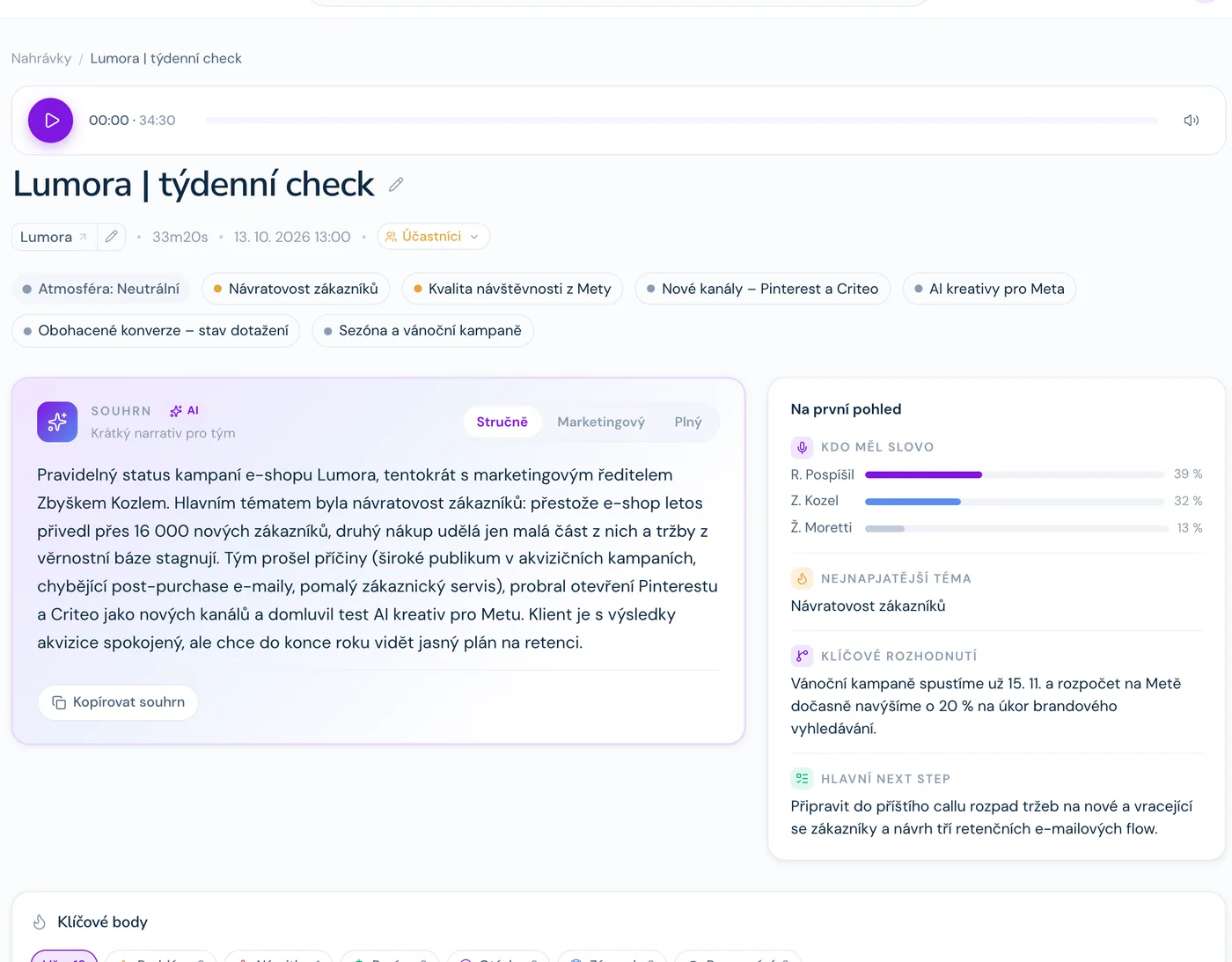
A short summary, the topics, and at a glance who spoke and what was decided.
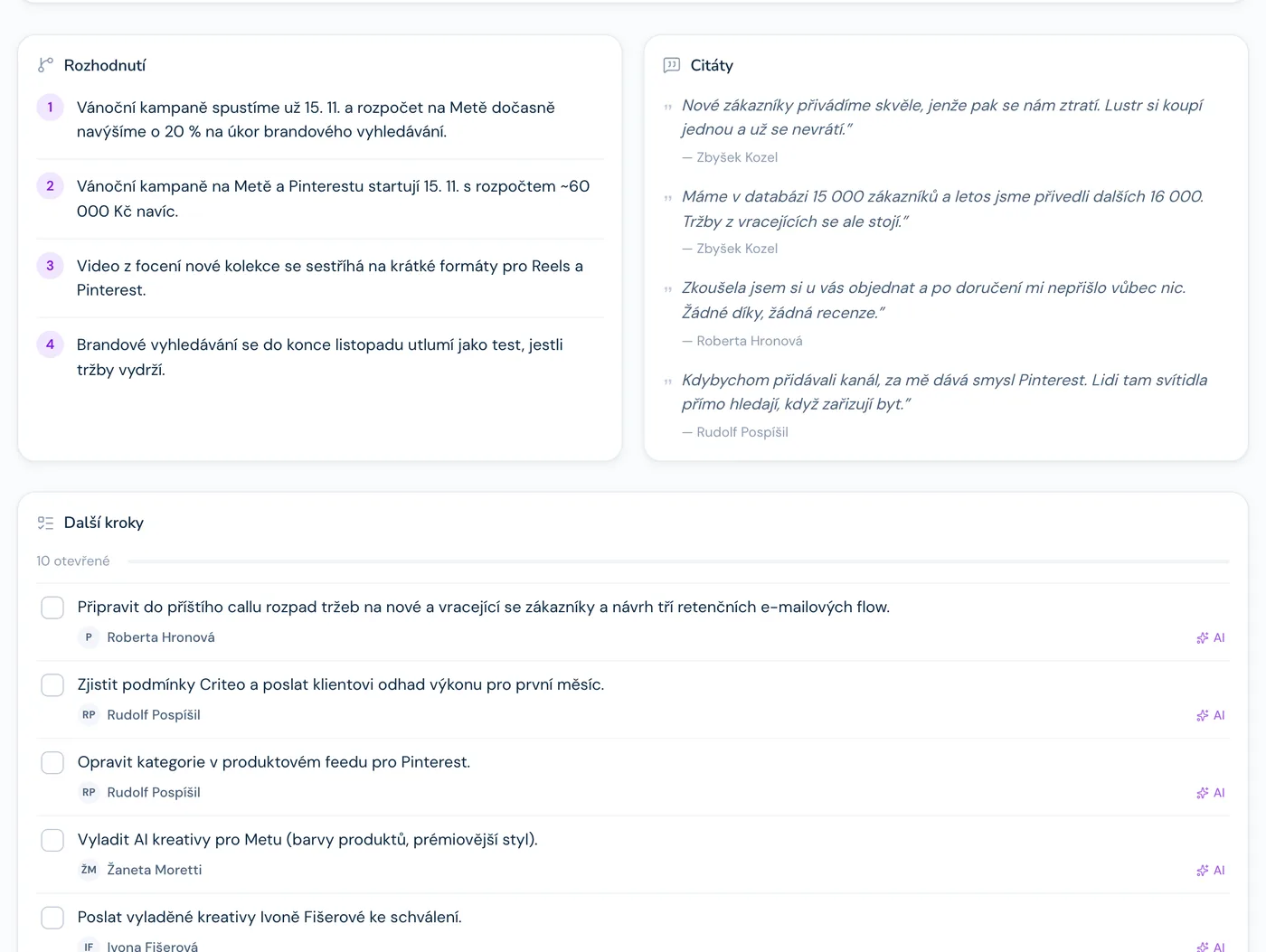
What was decided and who does what by when, pulled from the recording.
A summary of the client relationship from past calls, updated after every call.
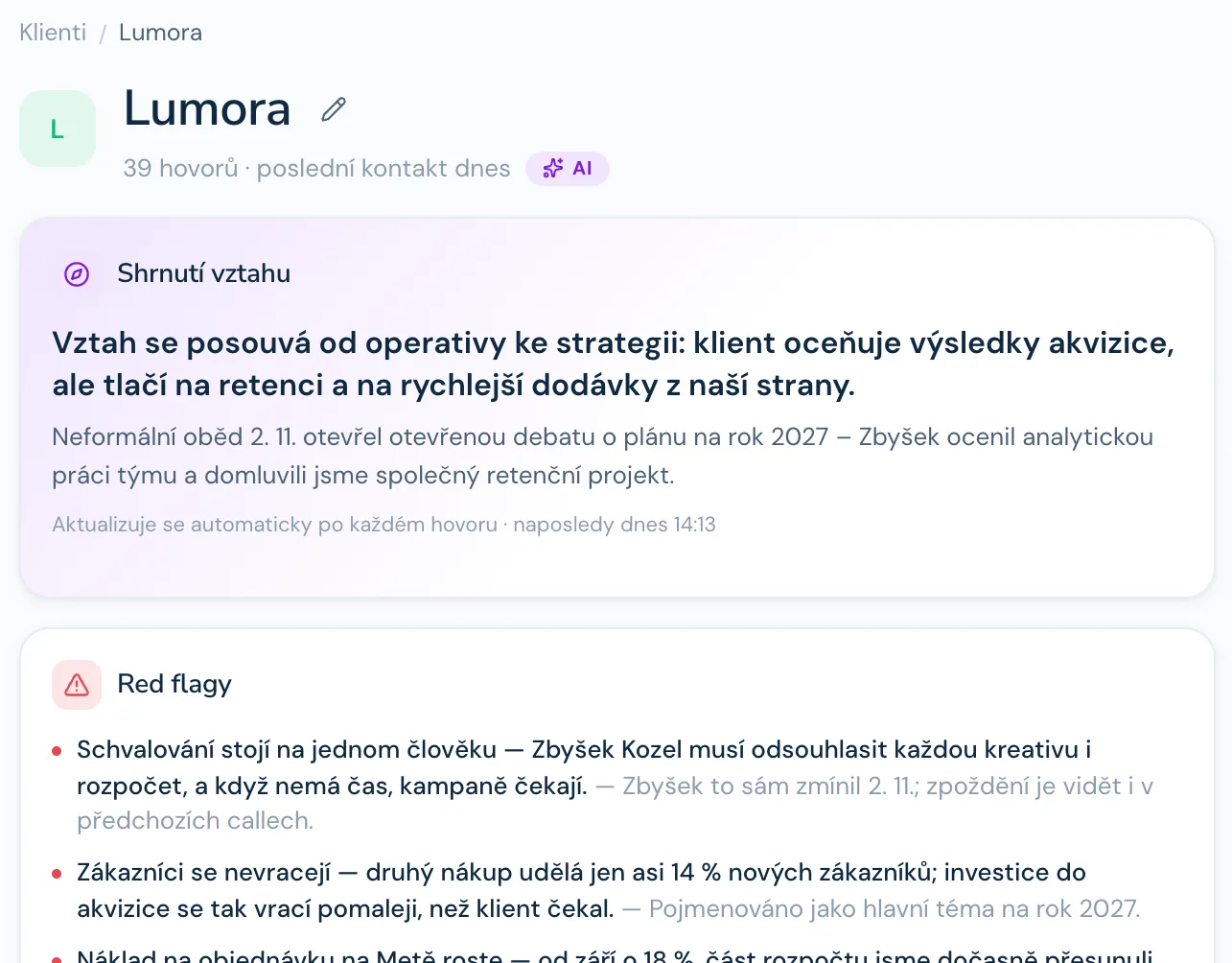
Problems, objections and commitments, each with who said it.
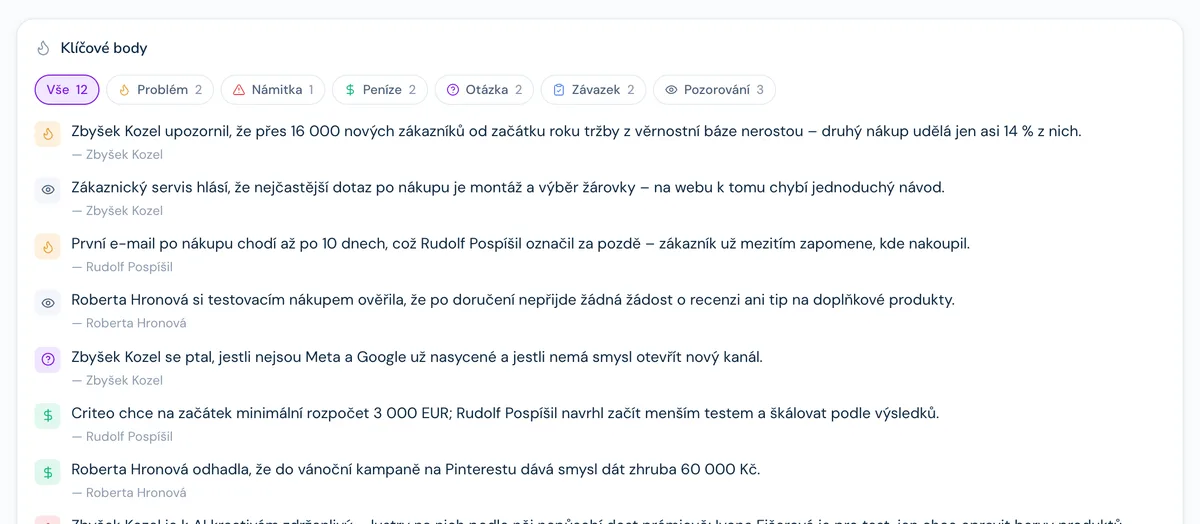
What was agreed, even if you weren’t there.
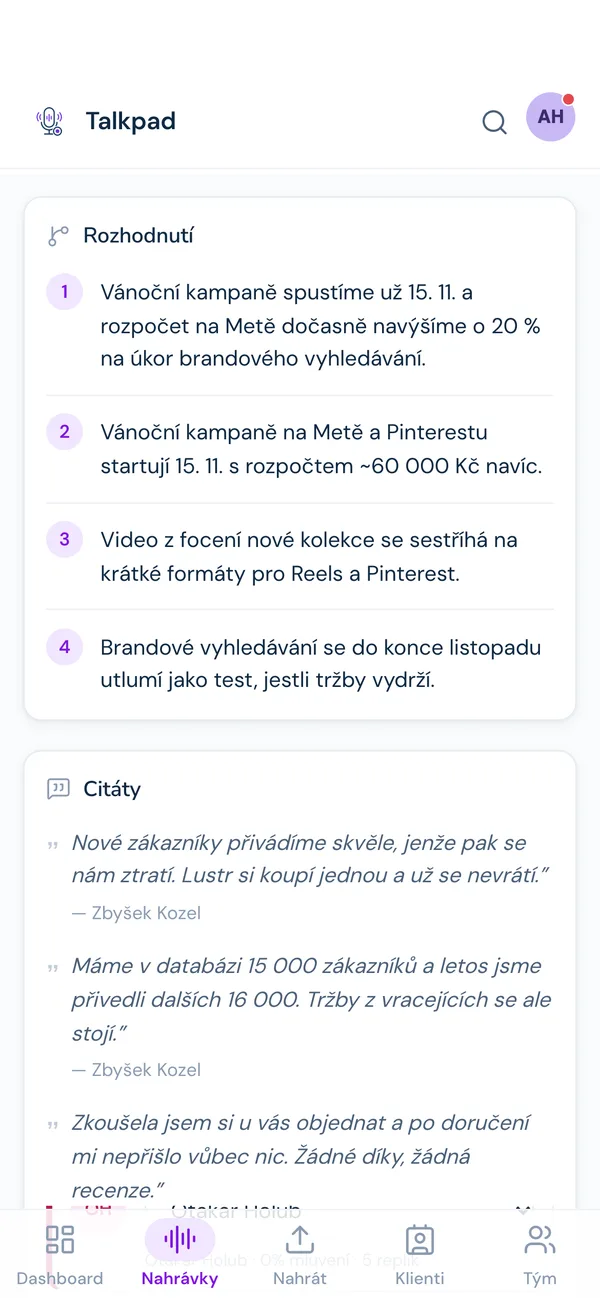
Who spoke and about what.
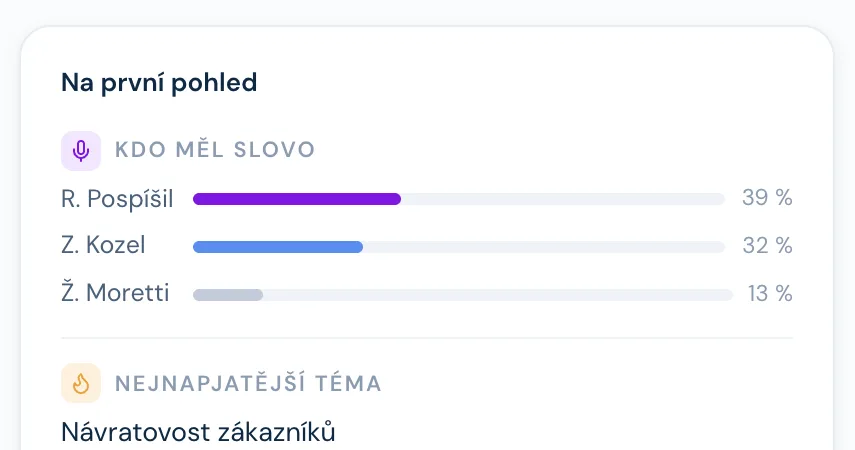
Important sentences, word for word.
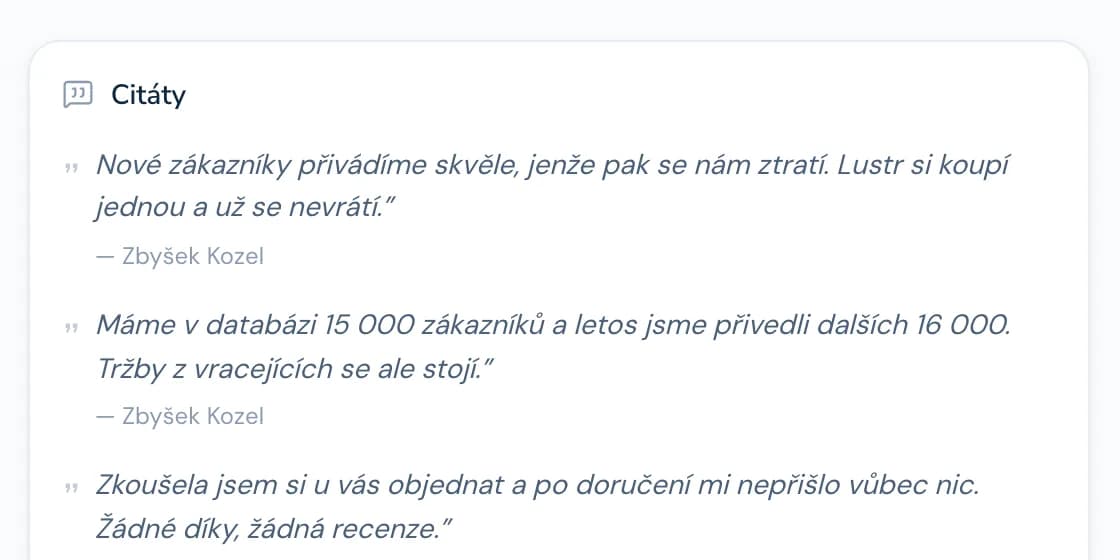
Recordings
Decisions
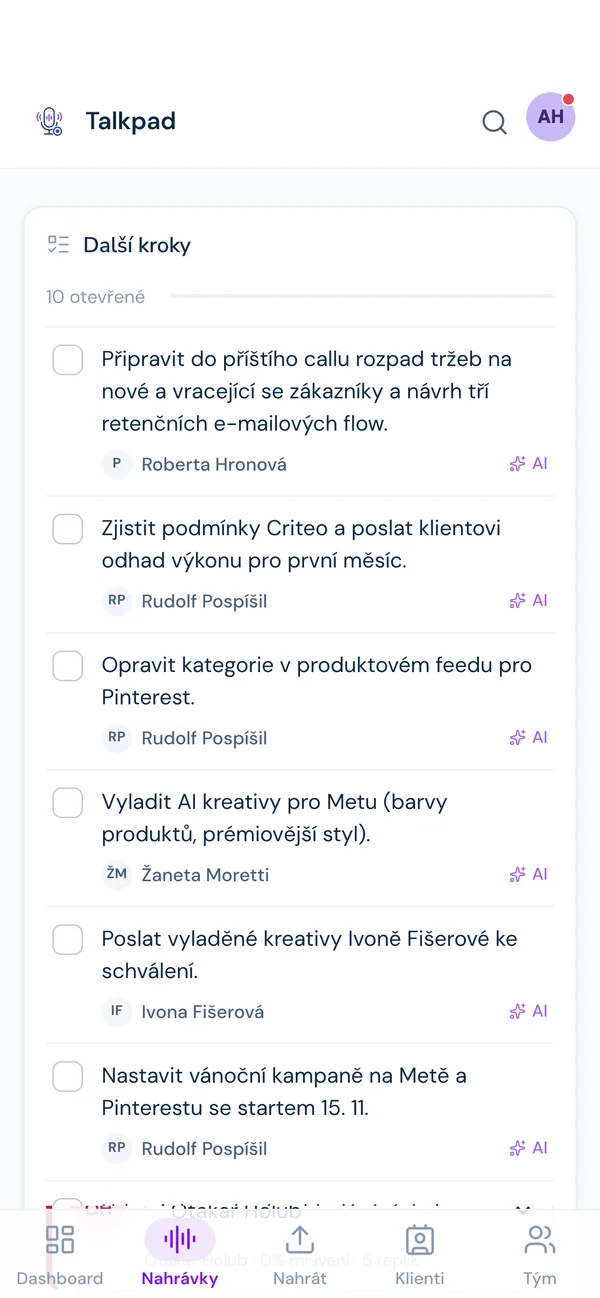
Next steps
From Google Meet, voice memos on your phone, the app, or an uploaded file.
In Czech and English, with speaker detection.
Summary, topics, decisions and tasks. The summary is marked as machine-generated and you check it before sharing.
Full-text search across all transcripts, comments at a specific moment, a client overview built from past calls.
A recording is visible to the team, the participants, or just you. You control deletion and retention.
Companies that talk a lot, with clients and among themselves, about confidential things: services, consulting, healthcare, education. A good fit when meetings belong in company memory and the data mustn’t go where you don’t want it.
We run it. Data stays in the EU. Transcription is done by an external transcription service and the summary by a language model that only receives the text. You get the list of services in advance, including what each one sees.
It runs on your server and you decide which services are involved. A good fit for contracts, health and client data.
Either way, it’s clear where the data goes, and it can be deleted.
The audio is processed by the transcription service; the language model only gets the transcript. With self-hosting, you choose the services.
Yes. You control retention; nothing is deleted without your decision.
Yes. We’ll give you materials for that, but the decision on consent is yours.
The interface is in Czech today. It transcribes Czech and English. Let us know if you need an English interface.
It runs in production at Four Bros. We’re preparing it for other companies, so ask us directly what’s available today.
Tell us what meetings you have and where the data is sensitive. We’ll tell you whether Talkpad fits, and in which version.
Ask about Talkpad