

SaaS
We handle operations: backups, updates, monitoring. You sign in and work.
trackdeck tracks time, budgets and profitability for agencies and companies that sell their people’s time. We built it because nothing on the market fit us. At Four Bros it’s now the single source of truth for time and profitability.
trackdeck
Hours are in one tool, invoices in another, salaries in a third and budgets in a spreadsheet. At the end of the month nobody knows whether a project made money or quietly subsidised the client. You find out late, and not from a system but from whoever happened to do the maths.
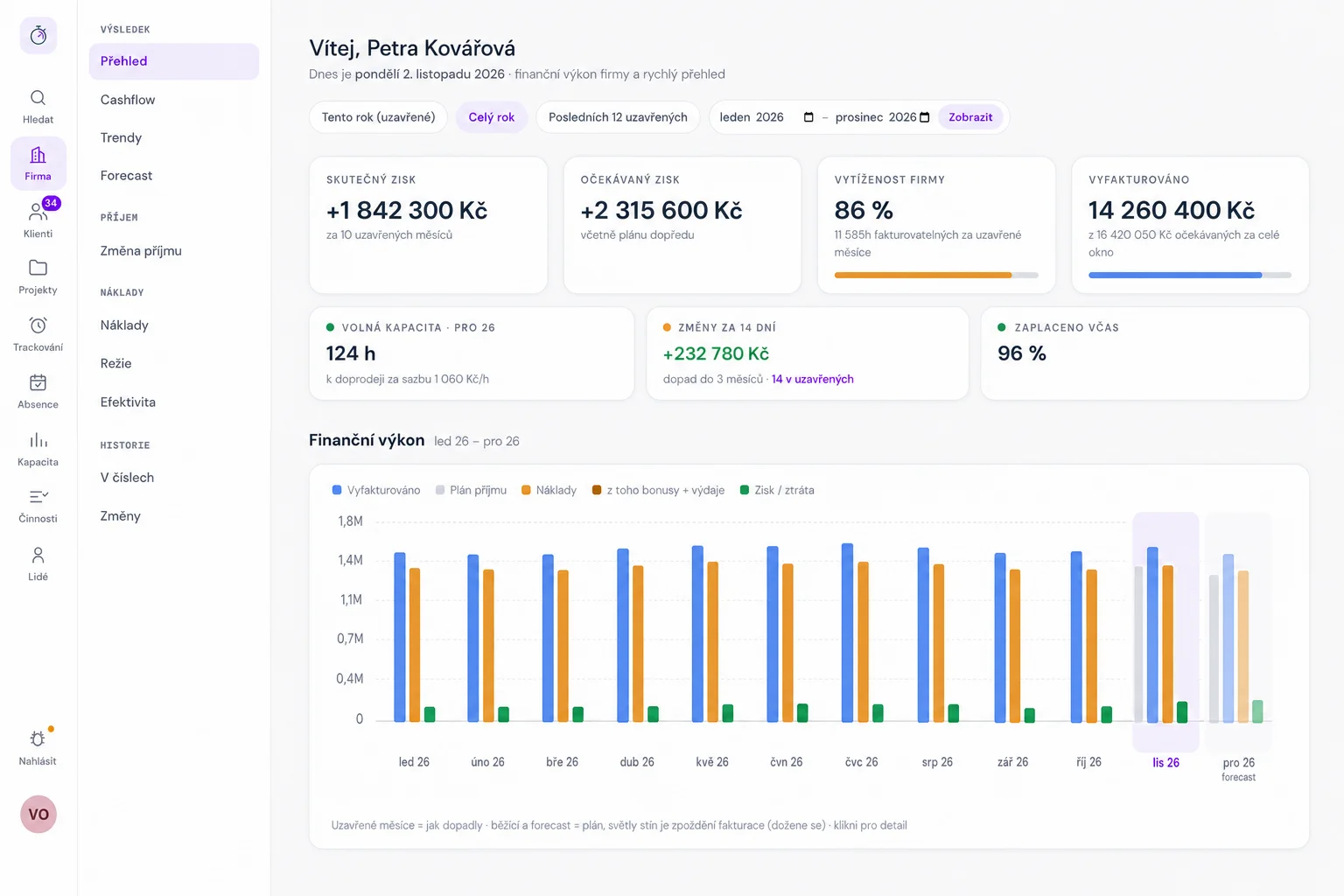
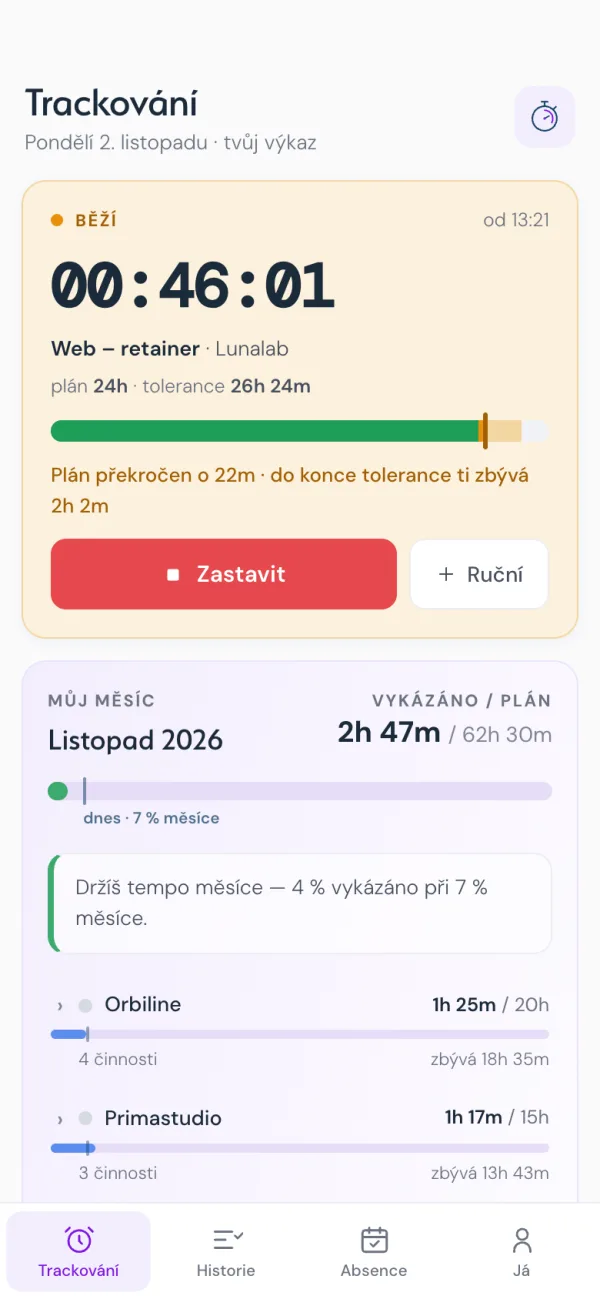
A timer and a monthly timesheet. For every client you see how much of the plan is left.
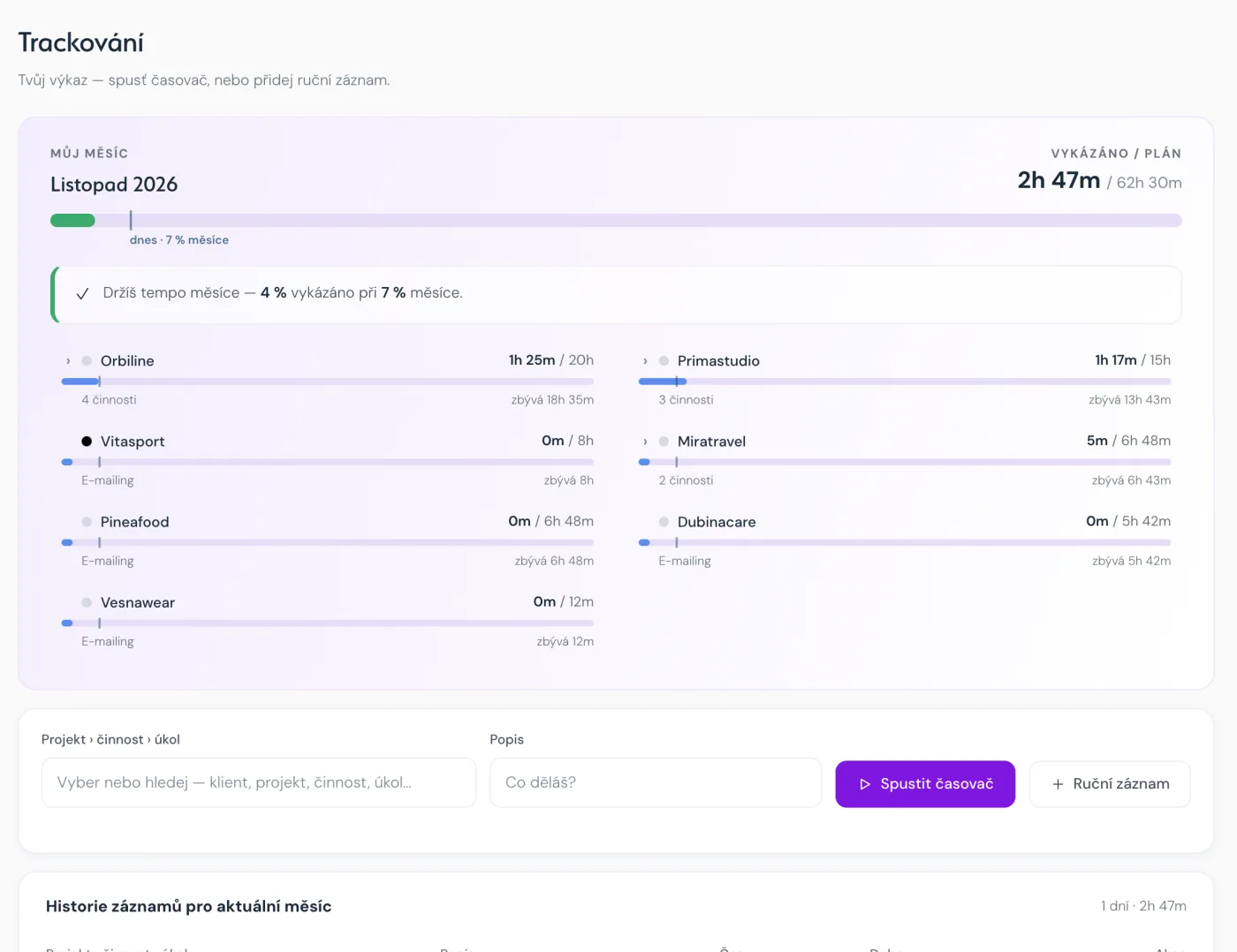
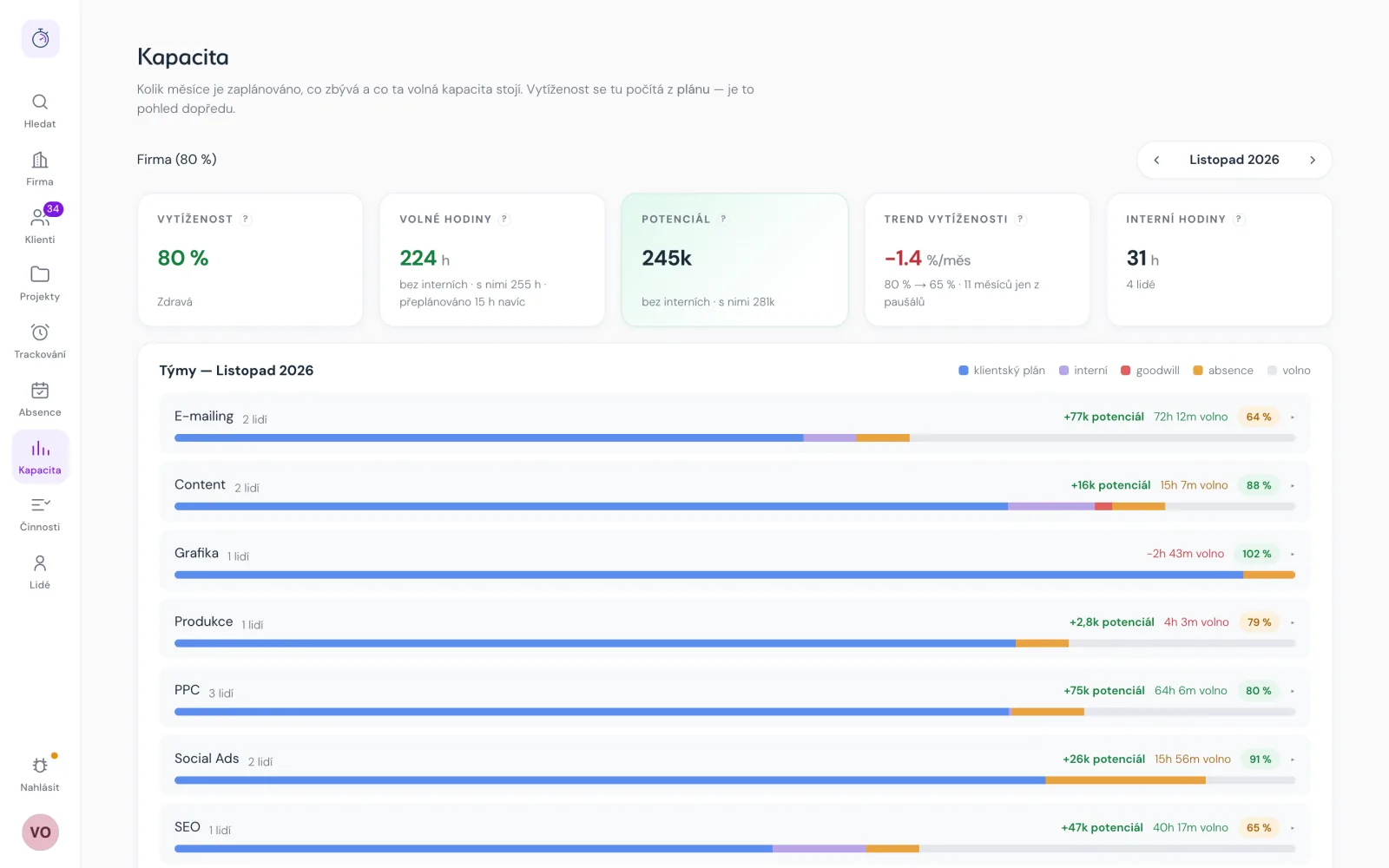
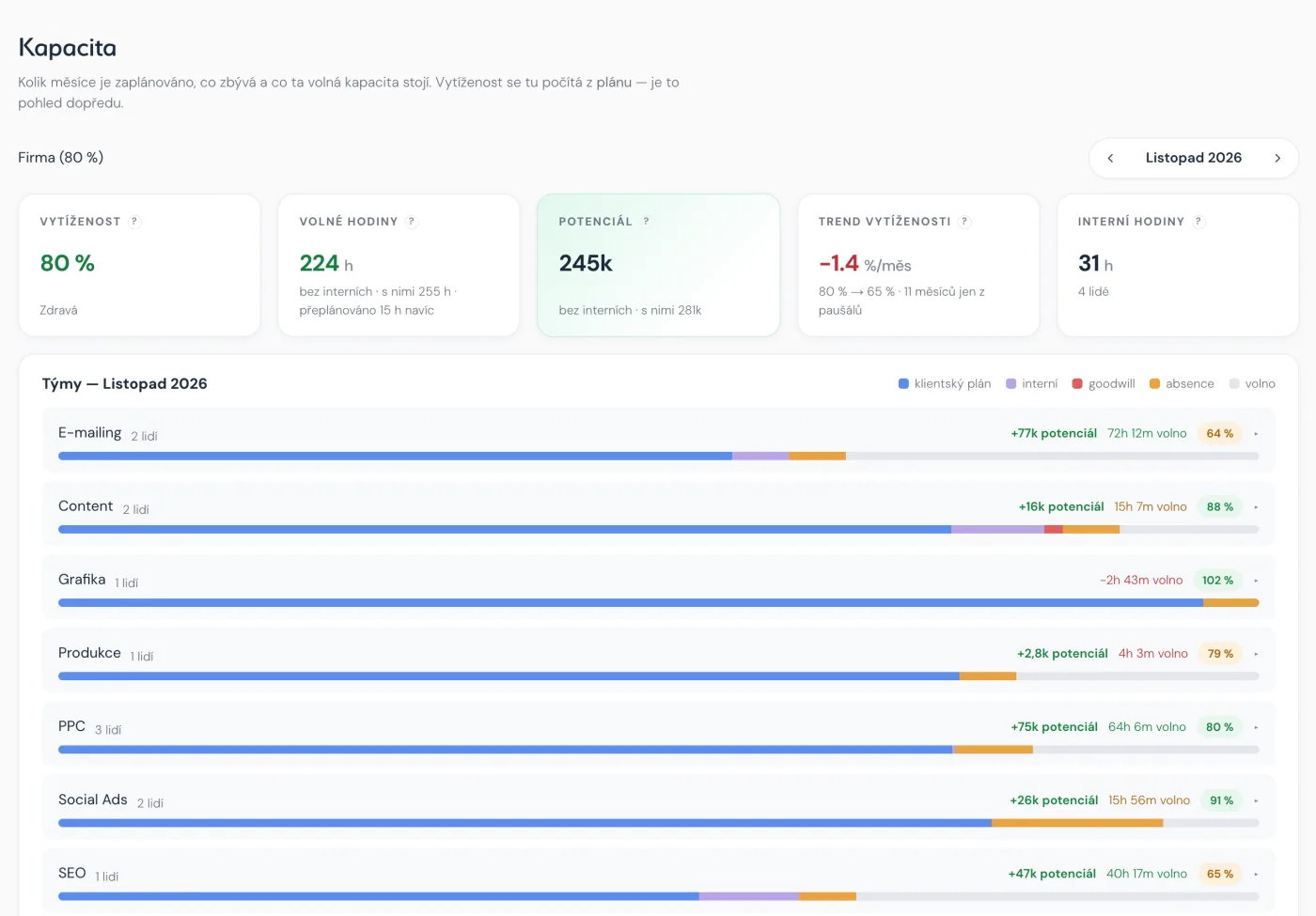
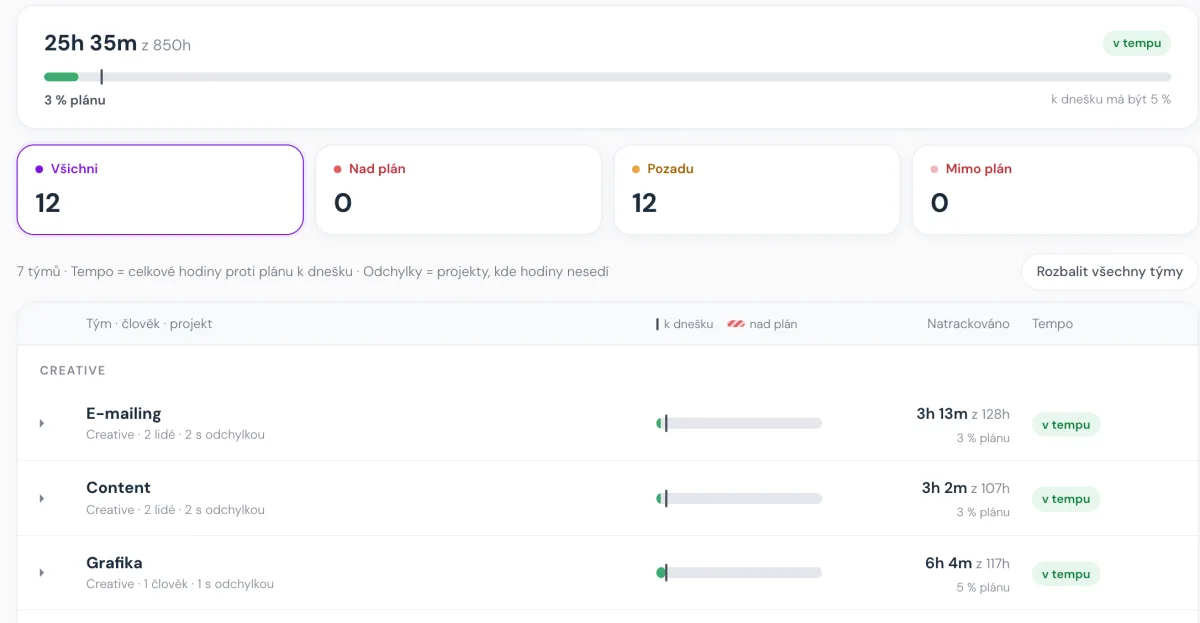
How the month is planned per team and how many hours you can still sell.
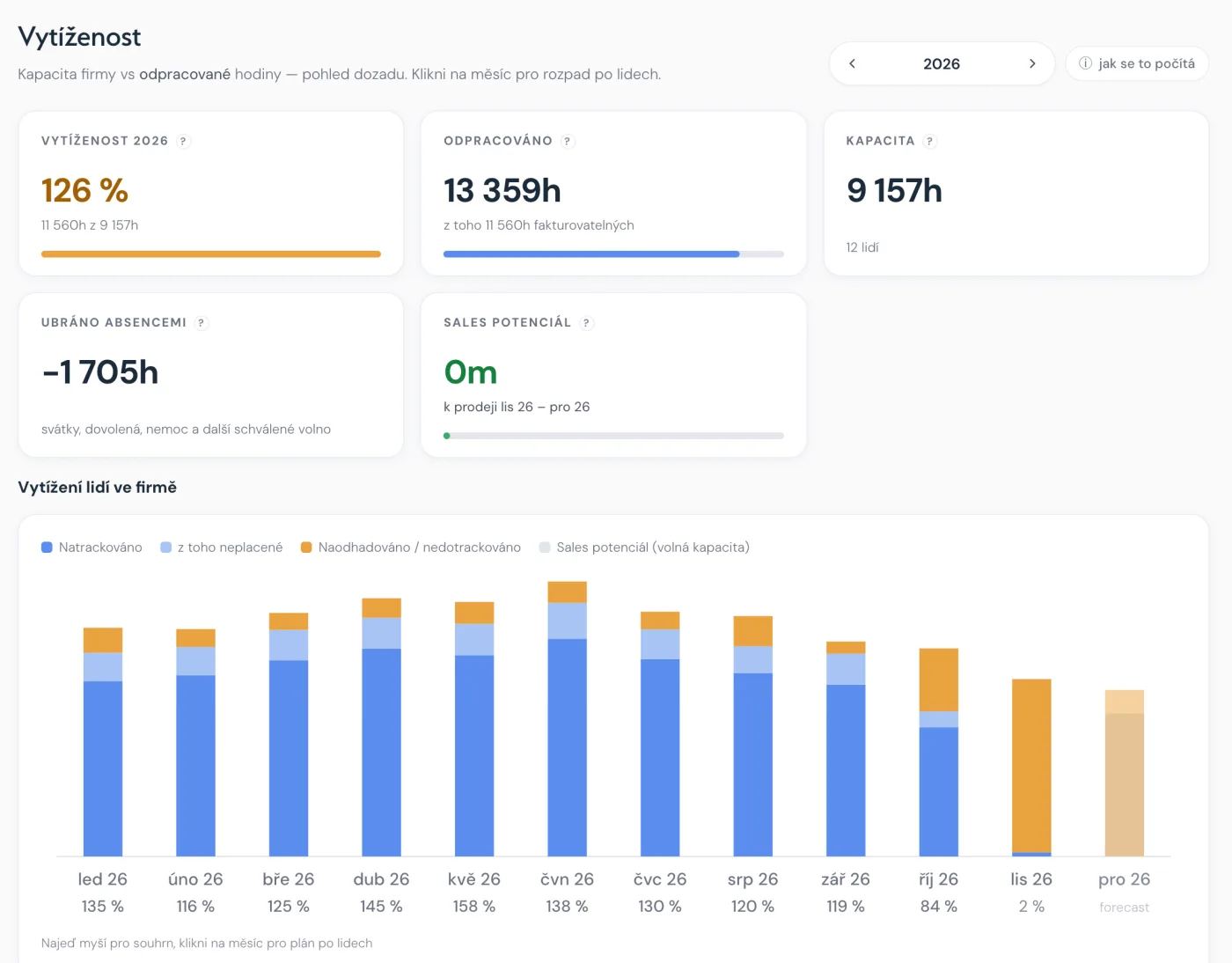
Hours worked against company capacity, month by month.
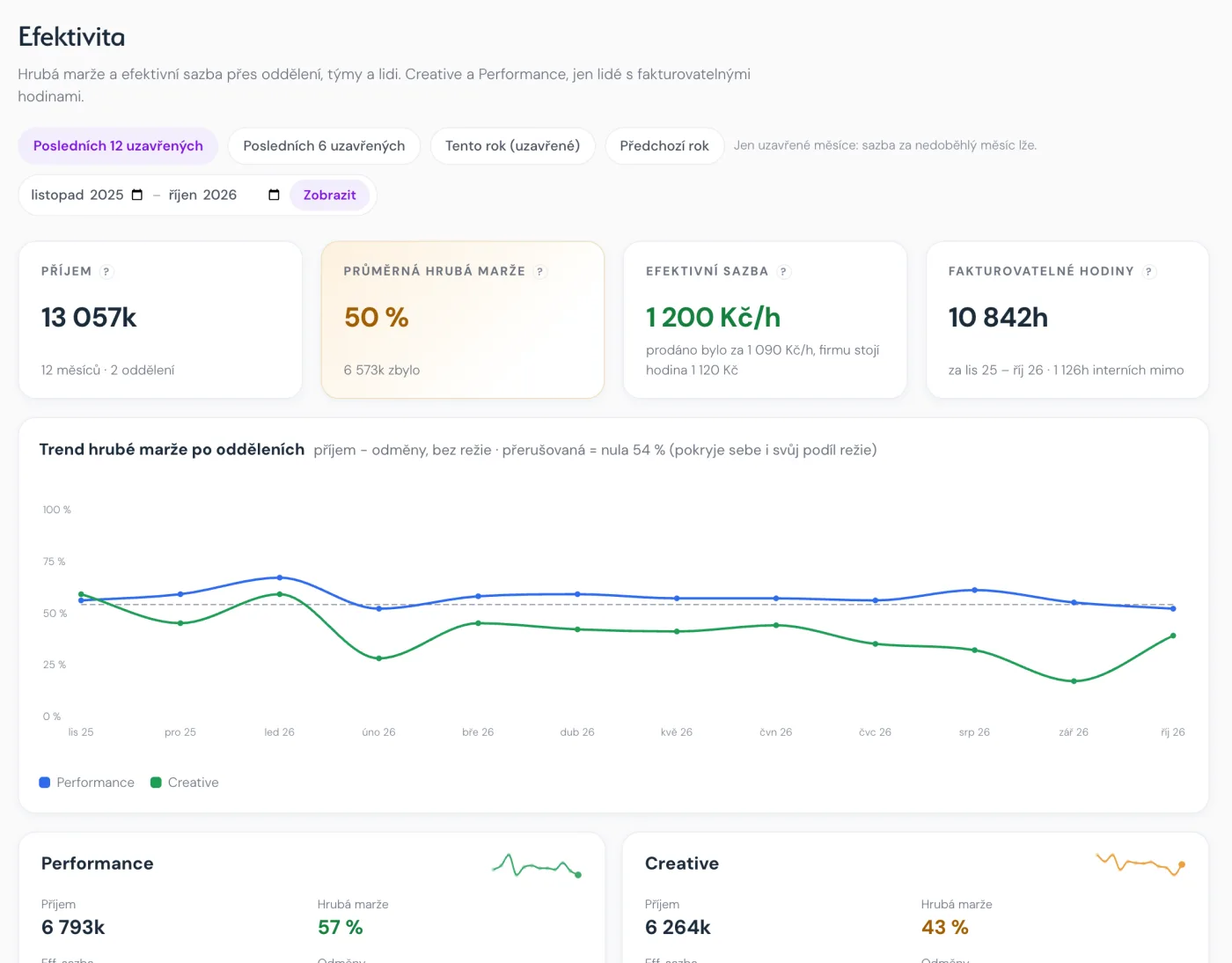
Gross margin by department over the last twelve months.
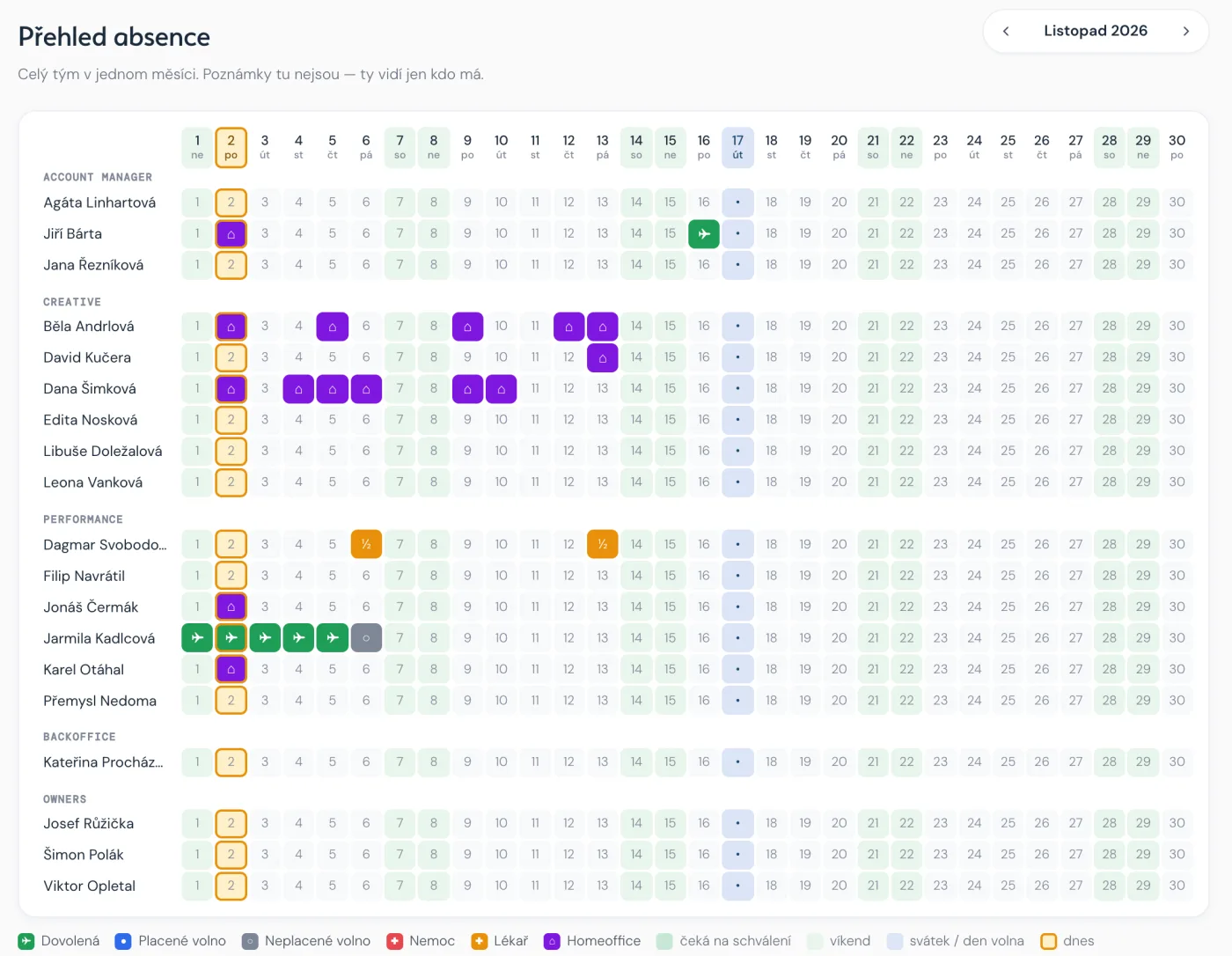
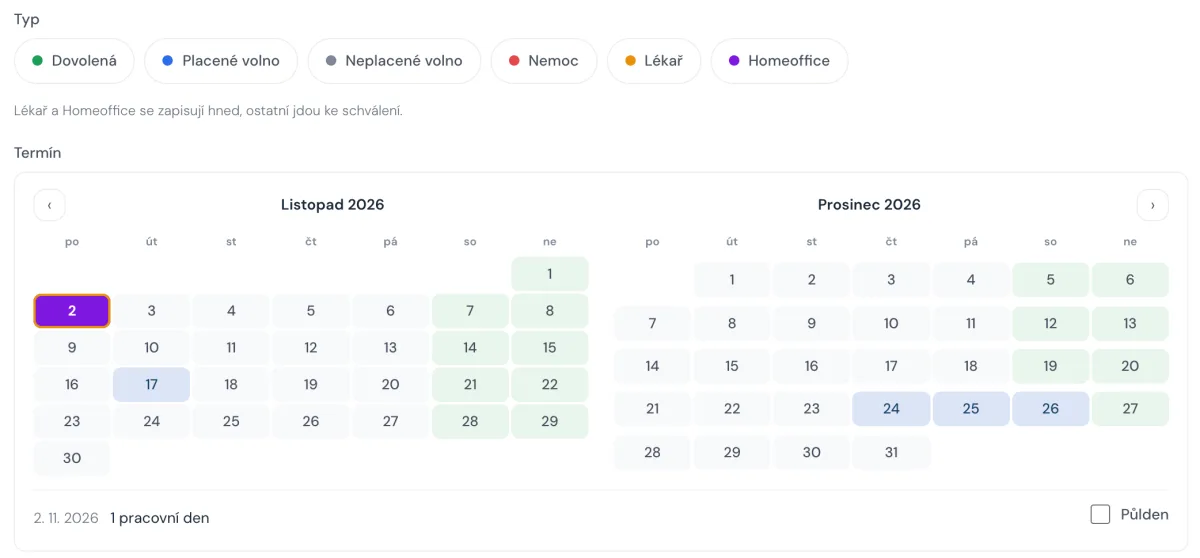
Holidays, sick days and remote work for the whole team in one calendar.
Where the plan overruns and where there’s room left.
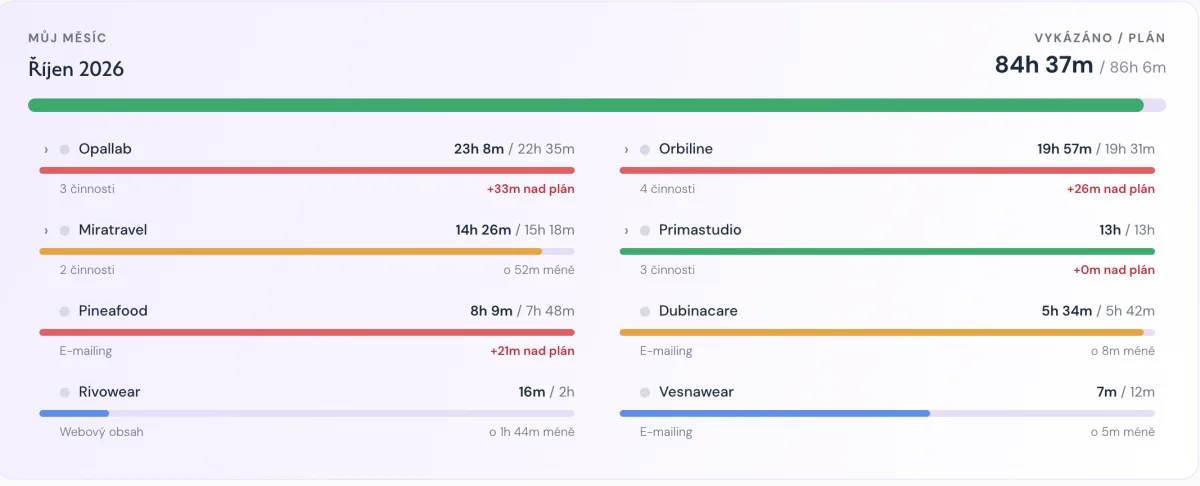
Start, stop, done.
Team by team, whether they’re keeping pace.
Type, dates, sent for approval.
Tracking
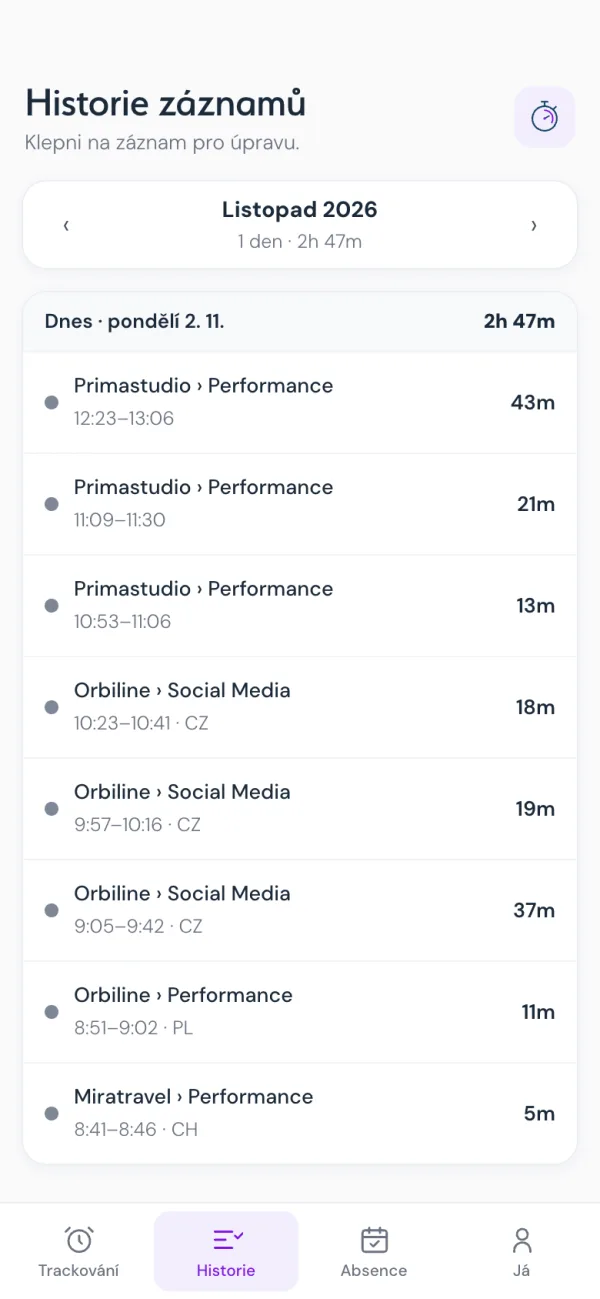
Entry history
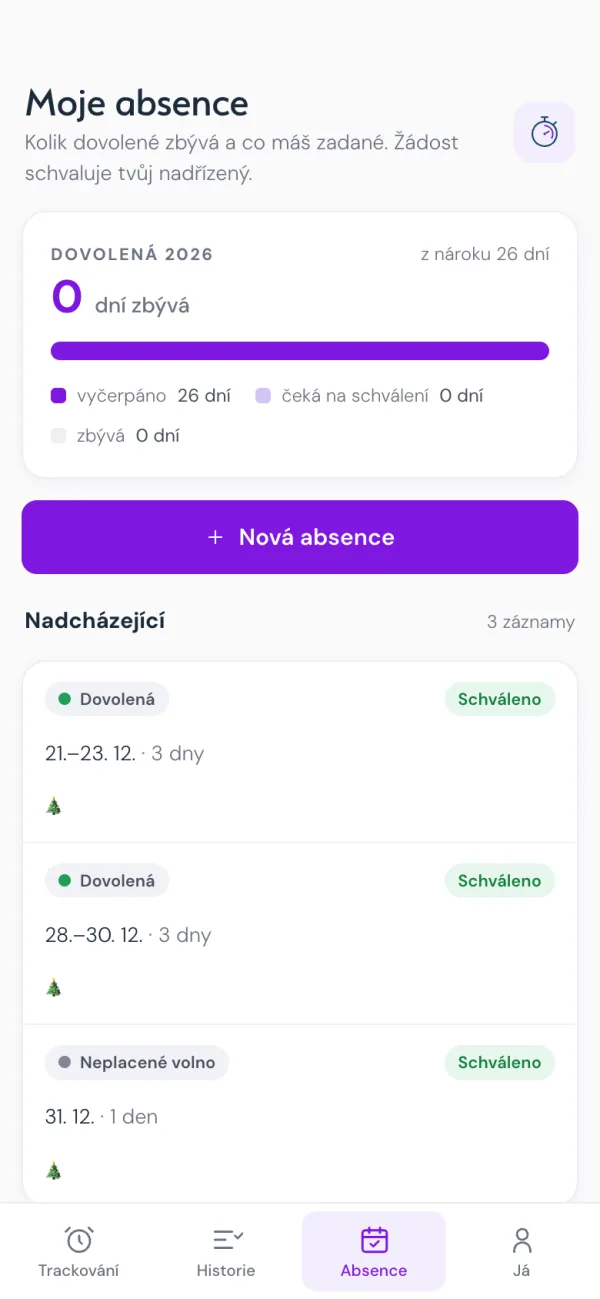
My absences
Timer and manual entries, month closing, requests for late entries.
Client, project, activity, person. Spend against budget and overrun alerts.
Margin per project, client and company, including overhead. Break-even point and trends.
How busy people are, how much is sold and how much is still free. Revenue outlook from recurring work.
Planned and actual invoicing, holiday approvals with notifications.
Everyone sees only what they’re allowed to. Changes are logged.
Agencies, studios and service firms that sell their people’s time and don’t want to pay for a tool that does 300 things. A good fit if you currently piece your overview together from spreadsheets and several paid tools.
Not a fit (we’ll say it up front): companies that don’t sell people’s time (manufacturing, e-commerce) and those that don’t need to track project margins.
We handle operations: backups, updates, monitoring. You sign in and work.
It runs in your account and you hold the keys. A good fit if you don’t want your data with anyone else. Support and update terms are agreed in advance.
Either way, your data can be exported.
It runs in production at Four Bros and the whole group relies on it. We’re still preparing it for other companies, so ask us directly what’s available today.
Not yet. The app is in Czech today. Let us know if you need English.
For us it’s connected to Fakturoid and bank statements. Other integrations depend on what you use. Tell us what you have.
That’s the difference from off-the-shelf SaaS: the tool adapts to you. We offer changes as a custom project.
In the EU. Every query runs with the permissions of the signed-in person. Backups are encrypted.
Not for calculations: the database does the maths, not a model. Where AI doesn’t help, we don’t use it.
Tell us how you track projects today. We’ll tell you whether trackdeck fits or whether something simpler will do.
Ask about trackdeck